Documentation
Workflow Builder
The Workflow Builder is AlgorithmX's powerful visual automation engine. It allows enterprise teams to orchestrate complex, multi-channel customer journeys by dragging and dropping logical nodes onto an interactive canvas.
1. Prerequisites
To fully utilize the Workflow Builder:
- Configured Channels: Ensure your Email domains and WhatsApp numbers are verified so the workflow can send messages.
- Tracking Setup: For interaction triggers to work, the AlgorithmX SDK must be installed on your website or mobile application.
2. Step-by-Step Guide
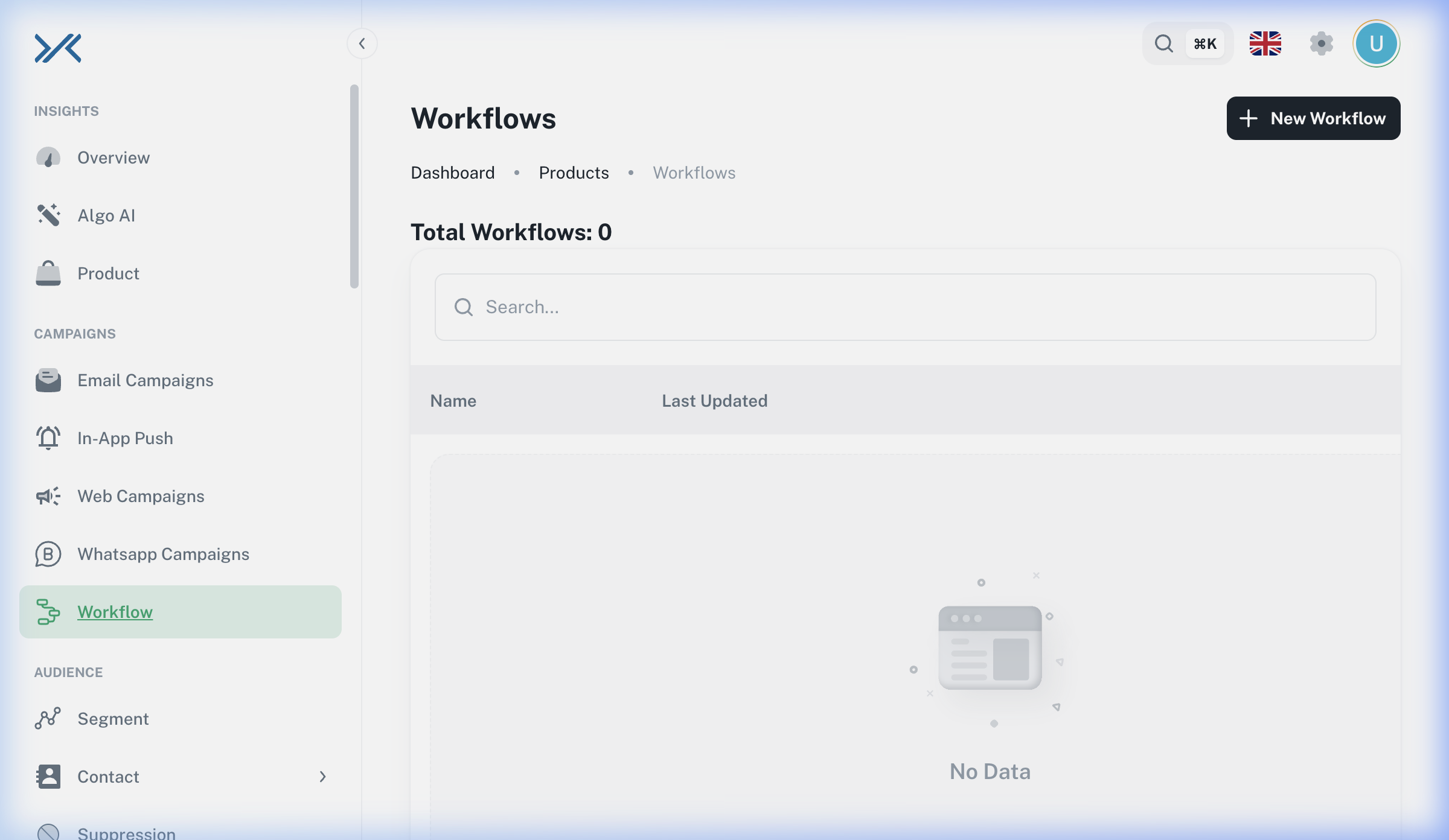
Step 1: Accessing Workflows
Navigate to CAMPAIGNS > Workflow. This dashboard lists all your automated journeys.
Step 2: Designing the Journey
Click + New Workflow to enter the visual builder.
- Add a Trigger: Every workflow must start with a Trigger node (e.g., "User Signed Up" or "Cart Abandoned").
- Add Logic/Actions: Drag action nodes (like "Send Email" or "Delay") below the trigger and connect them.
- Save & Activate: Once the logic is complete, set the workflow status to Active.
3. Configuration Reference (Nodes)
| Node Type | Category | Description |
| :--- | :--- | :--- |
| User Interaction / Tap | Trigger | Starts the journey when a user clicks a specific button or visits a page. |
| A/B Testing | Logic | Splits the traffic (e.g., 50/50) down multiple paths to test different strategies. |
| Send Email | Action | Dispatches a specific email template. |
| Send WhatsApp | Action | Triggers a WhatsApp Business message. |
| Redirect / Webhook | Action | Pings an external server or redirects the flow. Ideal for third-party CDP synchronization. |
4. Best Practices & Troubleshooting
Best Practices
- Use Delays Wisely: Never send 3 messages in one hour. Insert "Delay" nodes between actions to give the customer time to react.
- Always Test: Before activating a workflow for thousands of users, create a clone and test it with an internal Segment.
Troubleshooting
[!WARNING] Known Issue: Builder Access Error We are currently deploying a massive update to the AlgorithmX Workflow engine. You may occasionally encounter a
Node configuration for type undefined not founderror while opening the builder in the demo environment. Our engineering team is actively resolving this.